Download CS 1.6
Get Counter-Strike 1.6 for your Windows PC. Download the ZIP, extract it, and open Counter-Strike.exe.
Three steps.
Then pick a side.
You do not need an installer for this portable release. You do need the complete extracted folder.
Read the full installation guide- 01
Download the ZIP
Save counter-strike.zip to your PC. Wait for the download to finish.
- 02
Use Windows Extract All
Right-click the archive, choose Extract All, and select a new folder you can write to.
- 03
Open Counter-Strike.exe
Launch it from the extracted folder. Keep the launcher, Game and Assets folders together.
Still unmistakably 1.6.
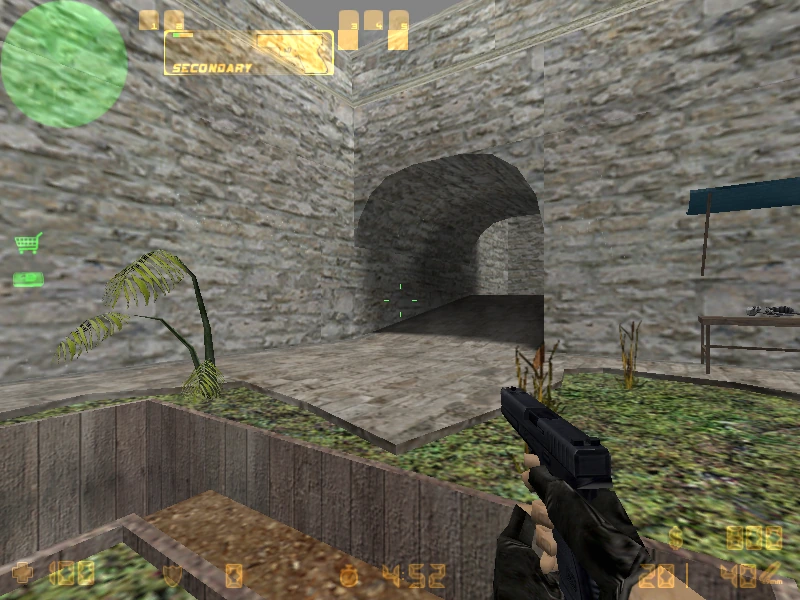
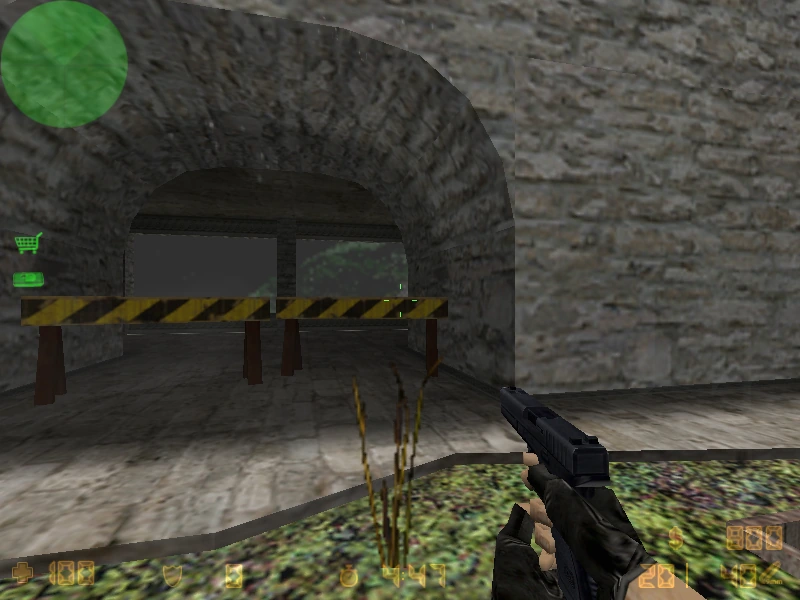
A few useful answers.
Is this the official Valve release?
No. This independent website provides a separate portable client. For Valve's official commercial release and Steam services, visit Counter-Strike on Steam.
Is the download free?
There is no download fee or website account requirement. That does not make the commercial game freeware or grant a license to Valve's content. Use the game in accordance with the rights and licenses that apply to you.
Can I play in my browser?
This download is a Windows desktop client. Download and extract it on a PC before playing. It does not run in your browser.
What is included in the client?
The Windows game client, 77 maps, a launcher, server browsing and Favorites.
Will Windows show a warning?
The launcher is unsigned, so Windows or your browser may display a warning. See the installation guide for help.
Get set up.
Get back in the game.
Your next round starts here.
Download the ZIP. Keep the folder. Make the shot.